Private Preview
Create a writable table workflow
Use a writable table workflow to let a caller insert, update or delete rows in one table mapped in this layer. Saving it records the definition; nothing runs until a published workflow is run.
Before you begin
Section titled “Before you begin”- Business Workflows are enabled for your tenant.
- The table is mapped in this layer. On a layer without tables the item is unavailable and says why.
- You can edit the layer.
Create the workflow
Section titled “Create the workflow”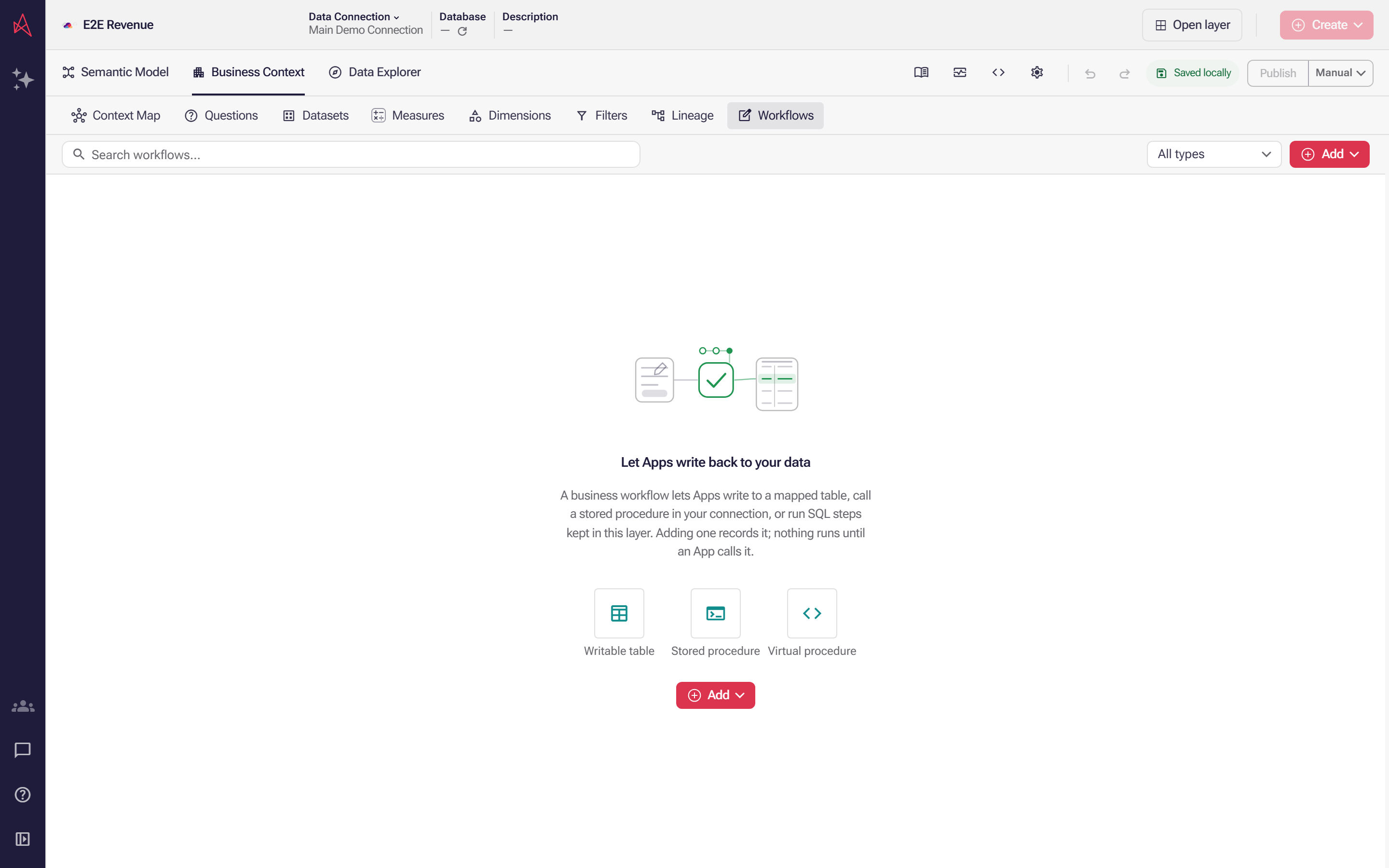
Business Workflows lists the writes a layer allows, and a new layer has none, so Add is where the first one starts.
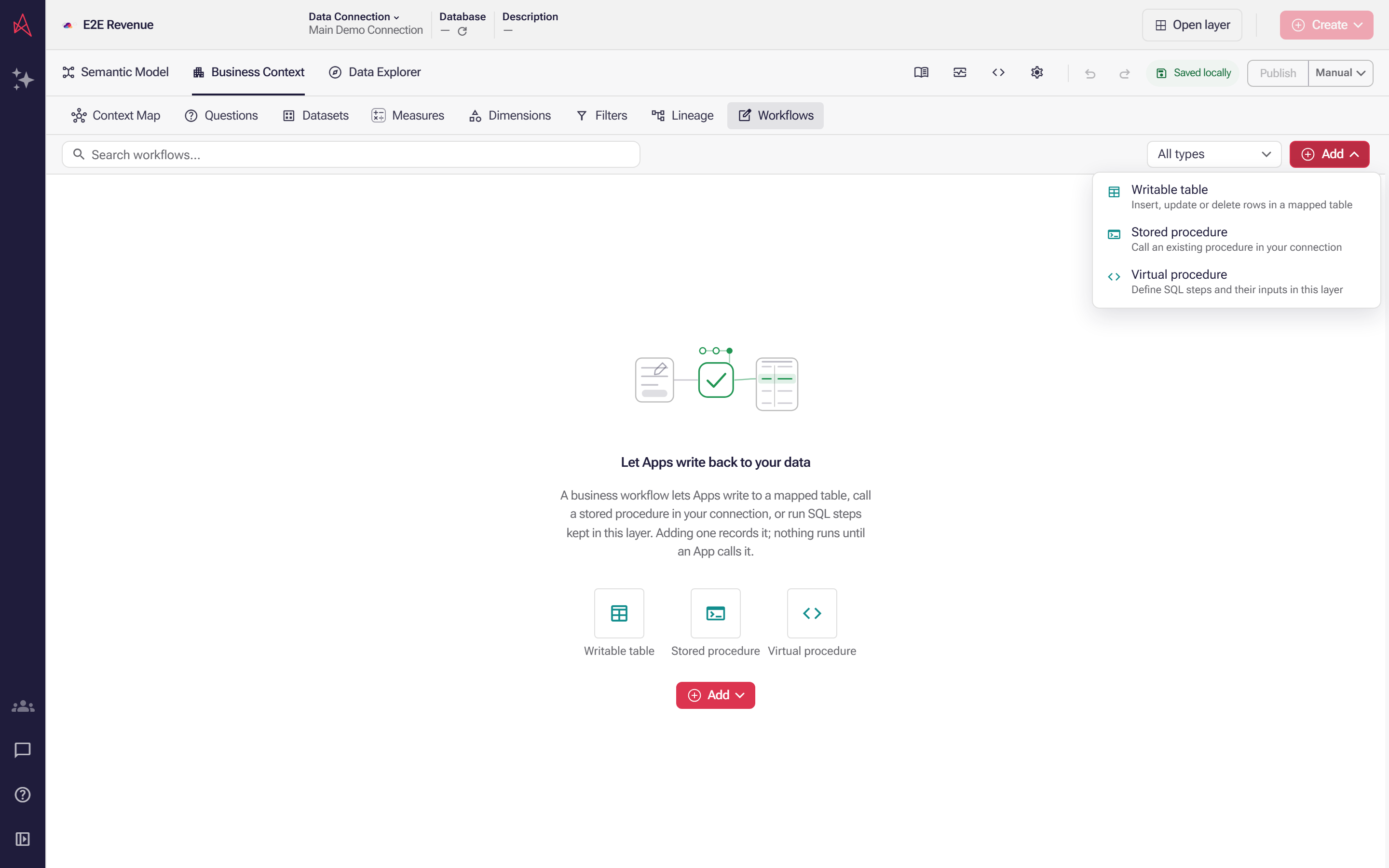
Select Writable table in the Add menu, which names the three kinds of workflow and what each one does; on a layer without mapped tables the item is unavailable and says why.
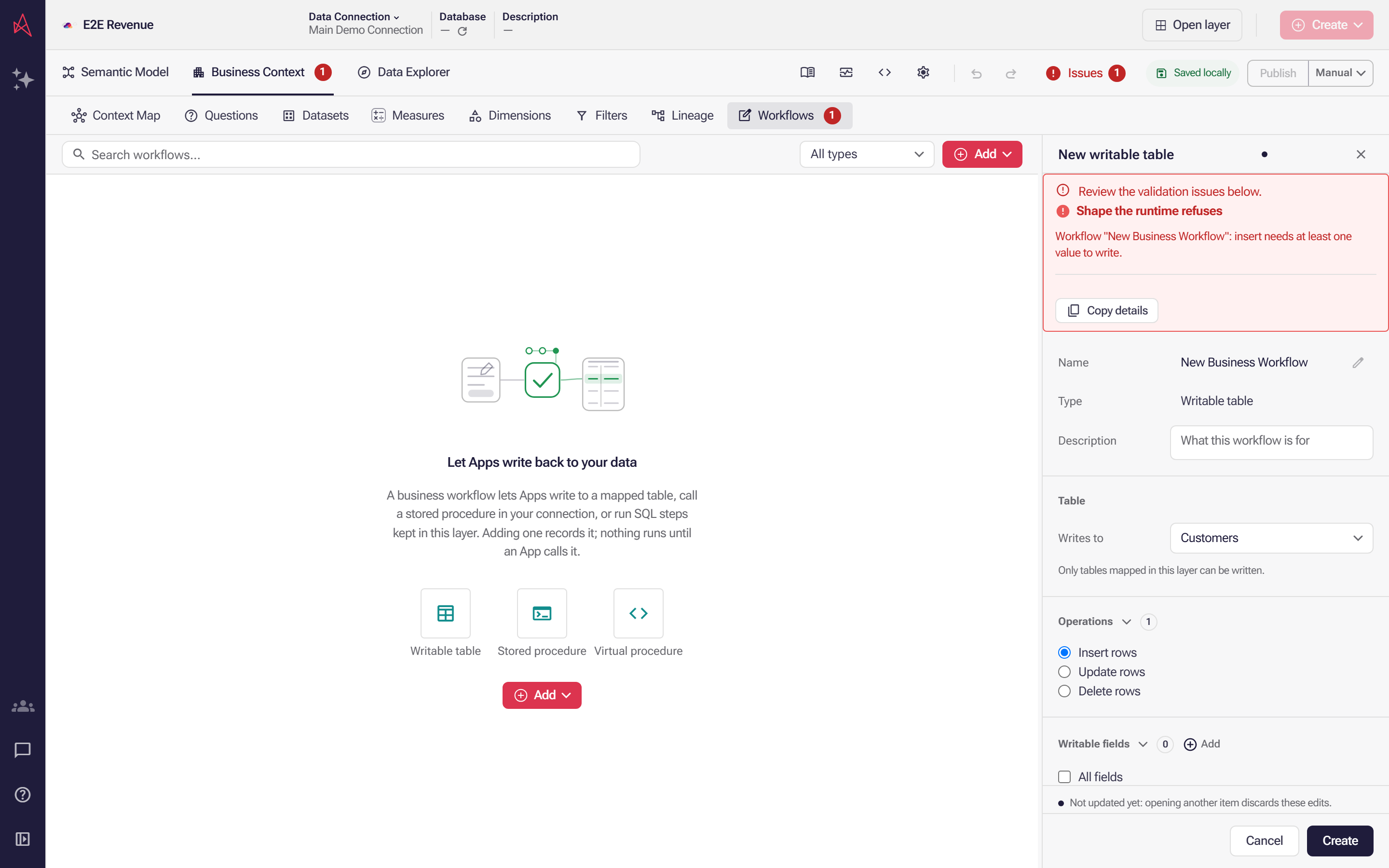
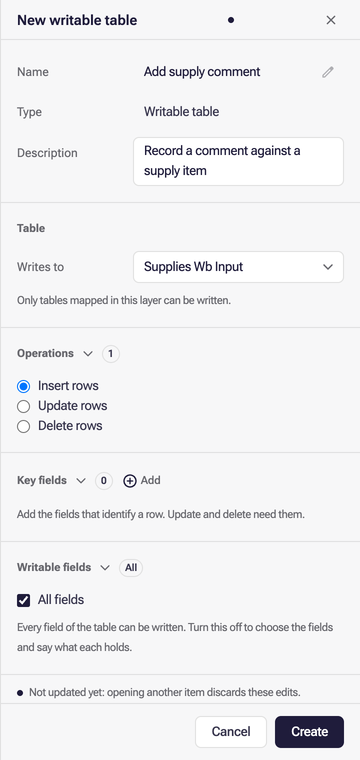
A new writable table opens on the layer’s first mapped table with Insert rows chosen, so the panel reports that an insert needs a value to write; to write another table, pick it under Writes to, which lists only mapped tables.
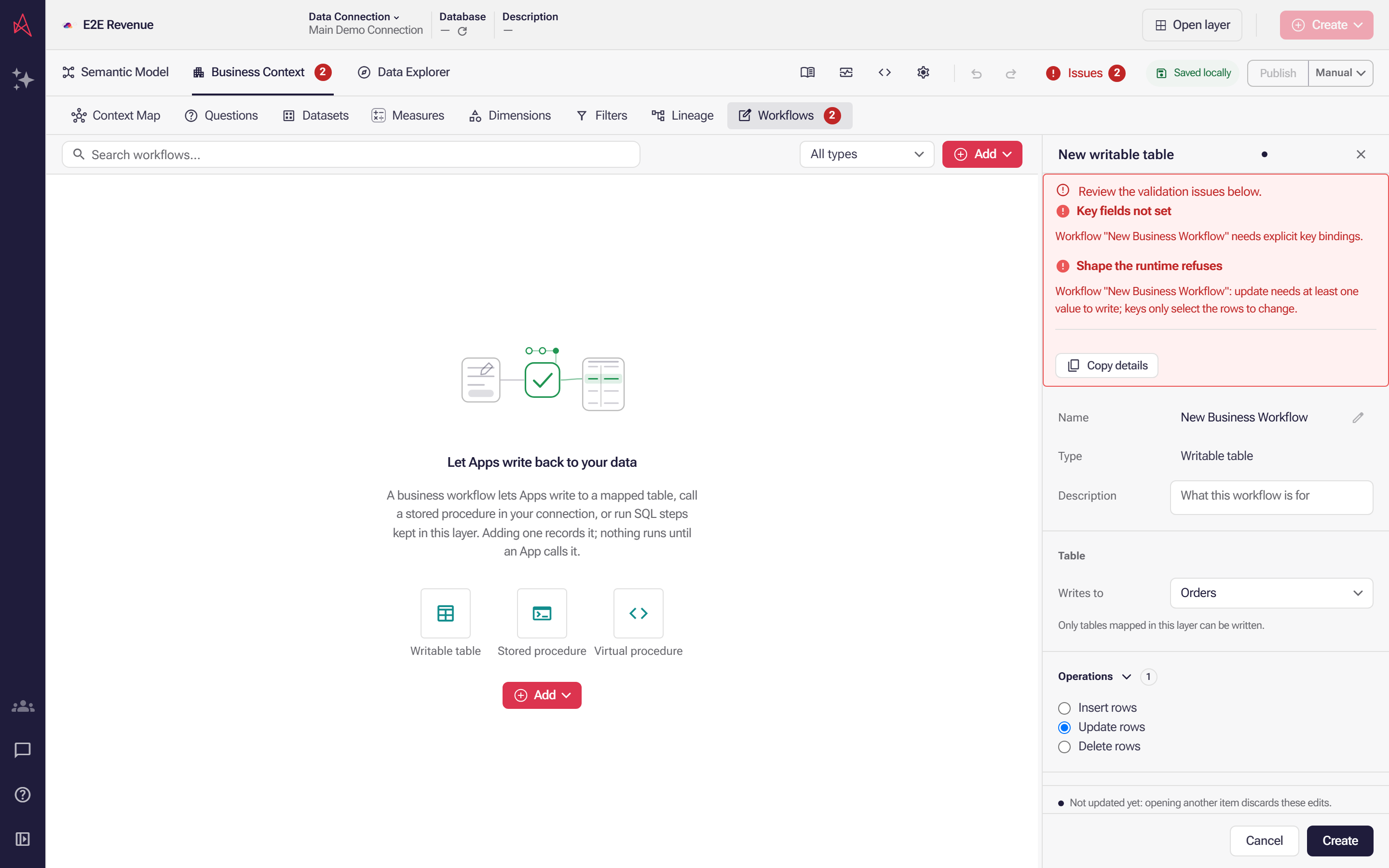
Writes to now names Orders and Update rows is the only operation allowed, so the panel reports two faults: no key binding to find a row, and no value for the update to write.
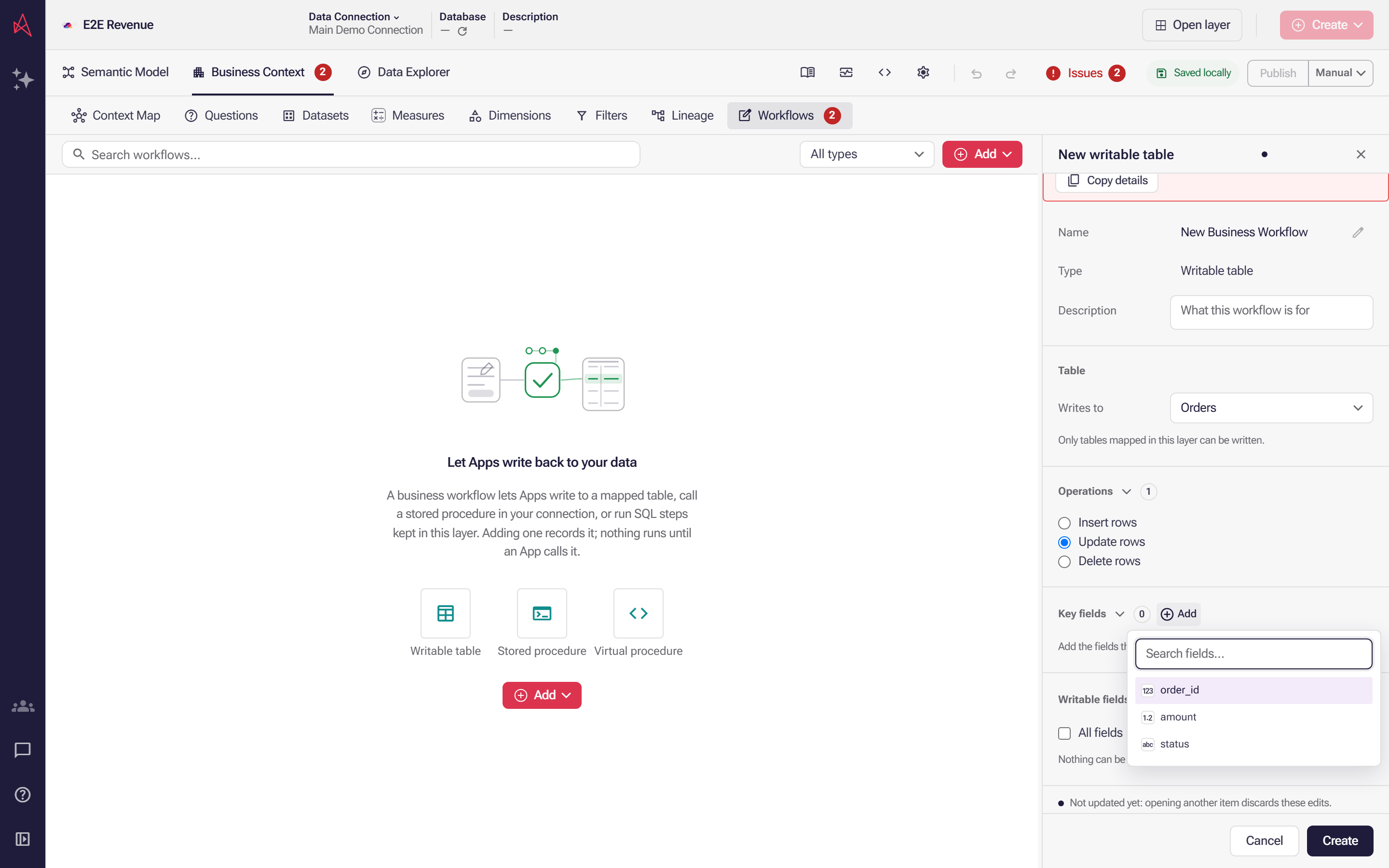
The key-field list offers only the columns of the table this workflow writes, so a key cannot come from anywhere else.
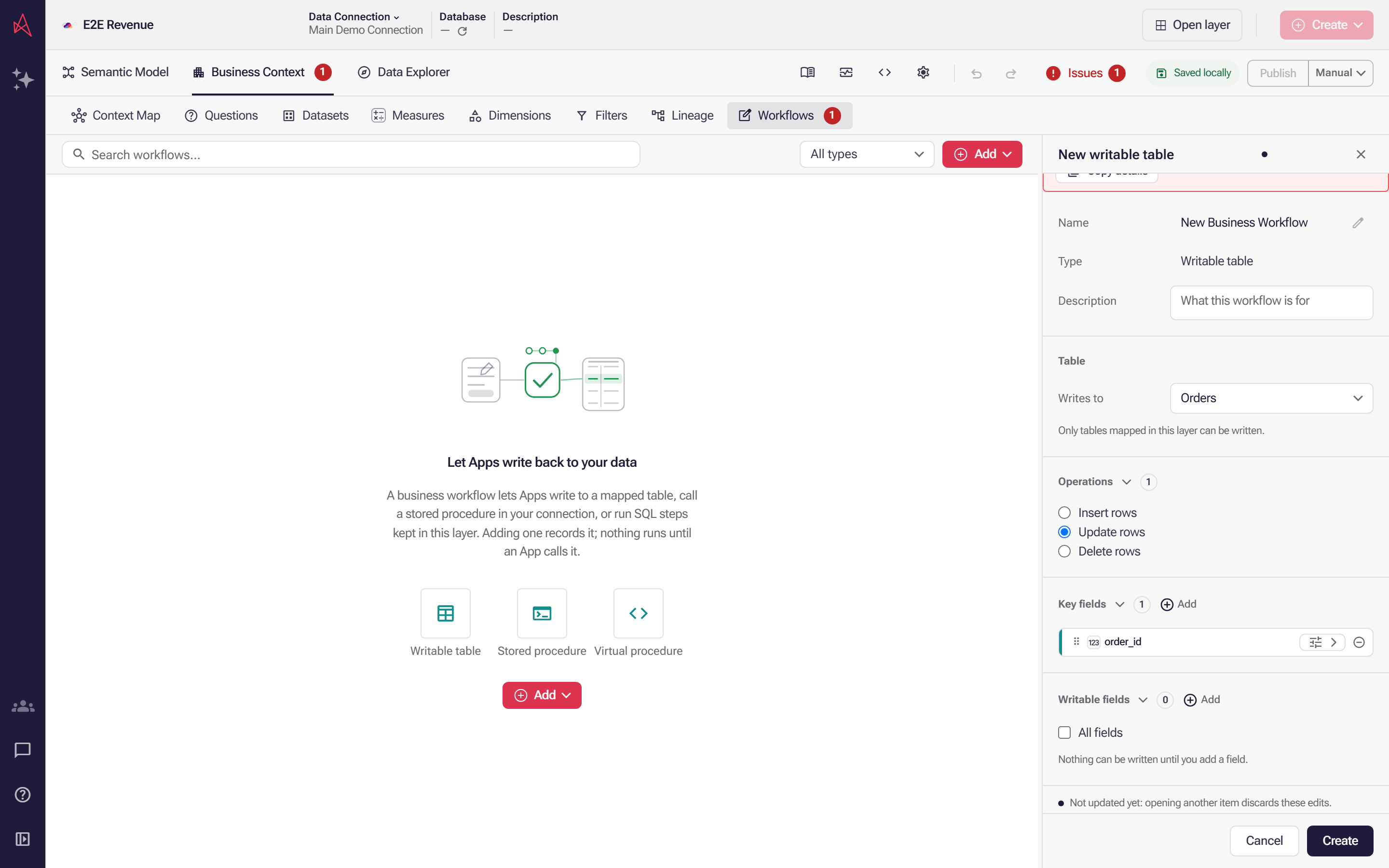
A key field identifies the row an update reaches, which clears that fault; the one left stays until you add a field under Writable fields, the fields a write may set.
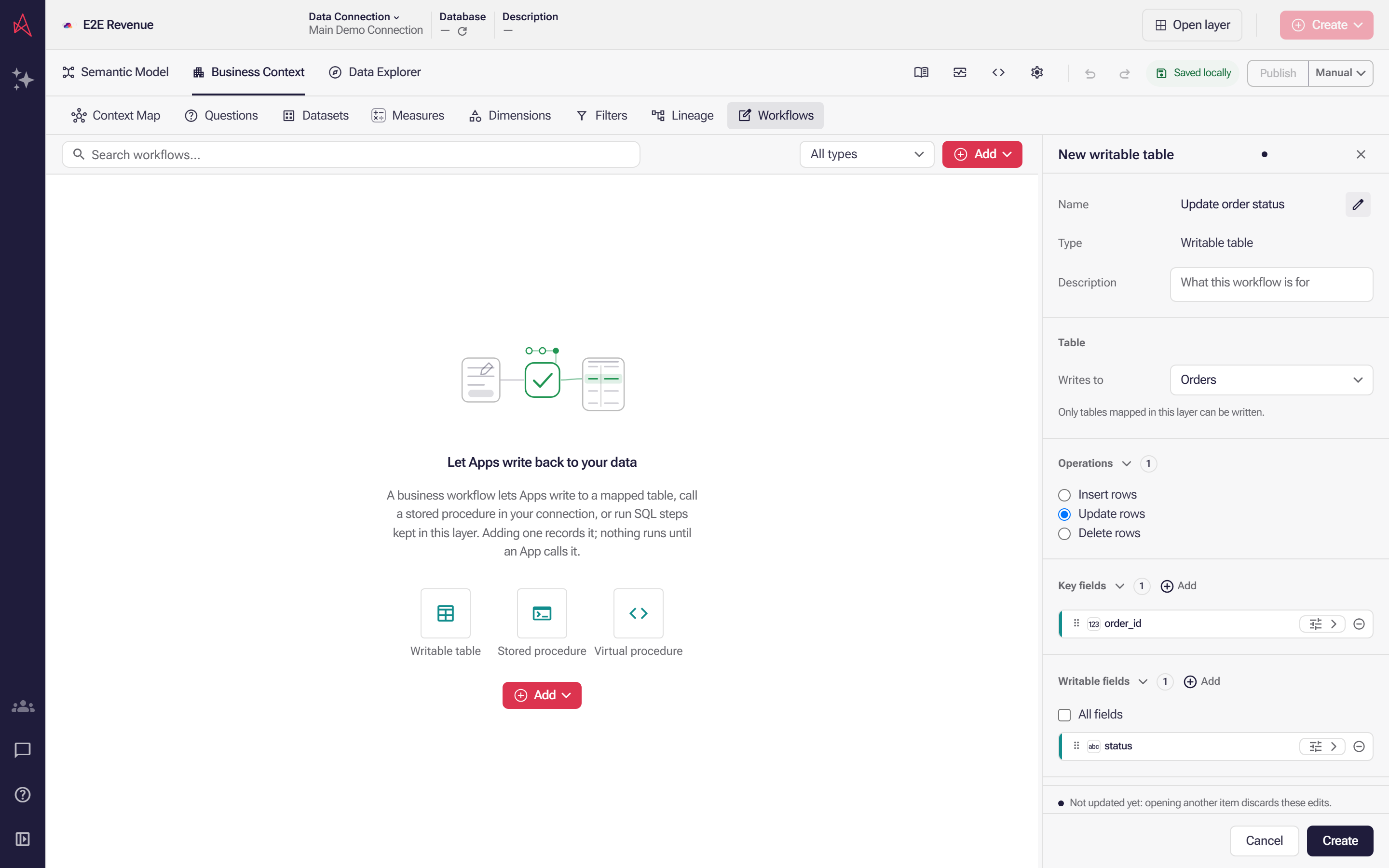
Name the workflow for what it writes; with one key field and one writable field listed, Create saves the registration.
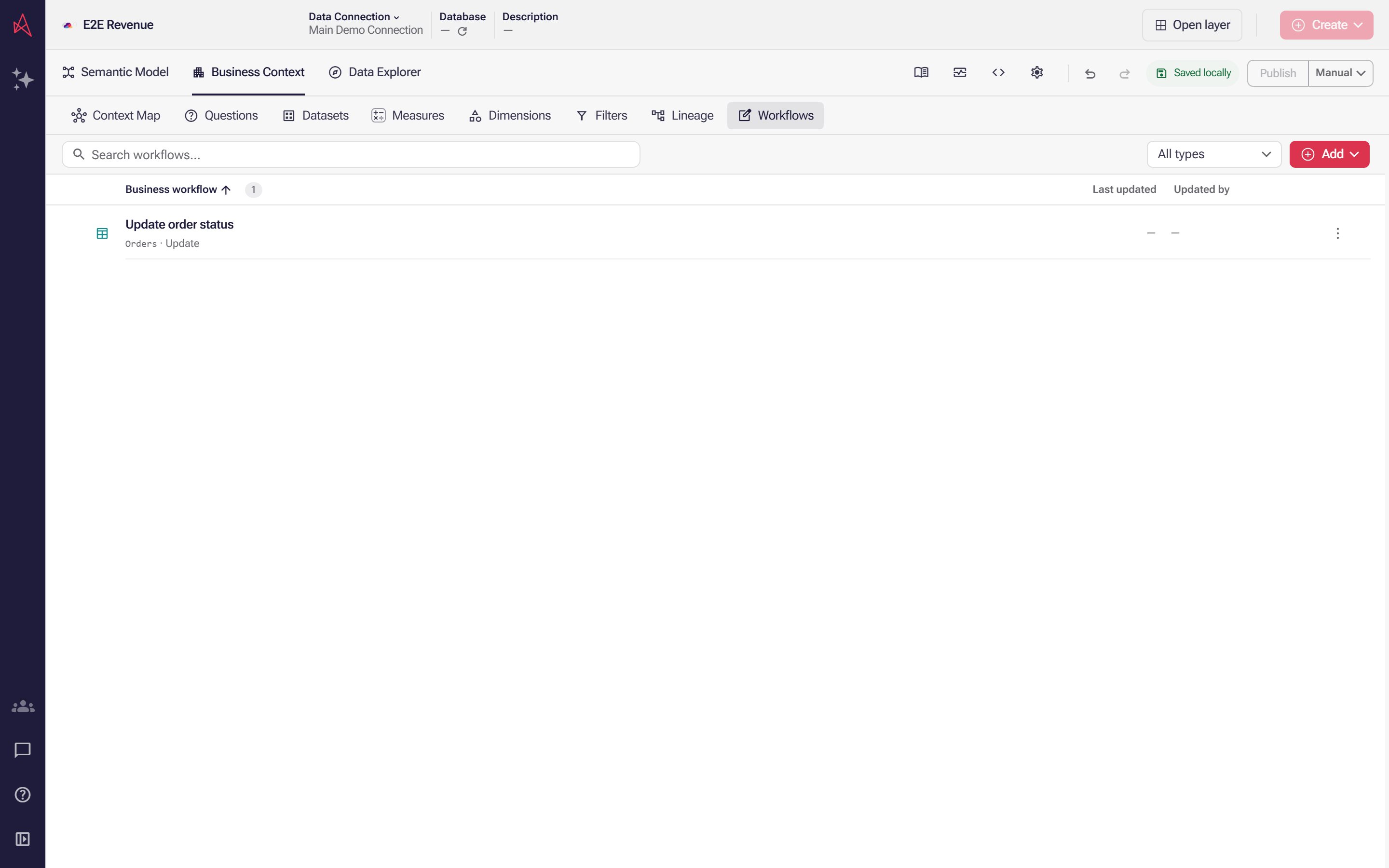
Create adds the workflow to the list, where one row names the table it writes, the operation it allows and its own name.
Select an operation and fields
Section titled “Select an operation and fields”Select one operation: Insert rows, Update rows or Delete rows. Update and delete need Key fields, which identify the row to change. Select Add beside the heading and pick a field. Add the fields a write may set under Writable fields. All fields adds explicit bindings for the table’s current fields; it does not grant access to future fields. With no writable fields listed, none can be written.
Fix shape errors
Section titled “Fix shape errors”Each operation takes a fixed shape, and Issues reports an error on the workflow when it does not match. The publish check can block a layer that contains a write the runtime would refuse. Insert takes writable fields only: move any key field to the writable fields. Update needs at least one writable field to set as well as its keys. Delete takes keys only. An empty key or writable list counts as absent.
Work with field rows
Section titled “Work with field rows”Key and writable fields use compact rows, collapsed by default. Expand a row to set its value source, reference and note. Drag within either list, or focus a handle and press Alt+Up or Alt+Down, to reorder its fields. Pending settings stay with their field; Update saves and Cancel discards the edits.