

Refreshing and working offline
Your dataset definitions live in the workbook, and so does your cached data — the last data you pulled. That’s what makes offline and sharing work.
Refreshing
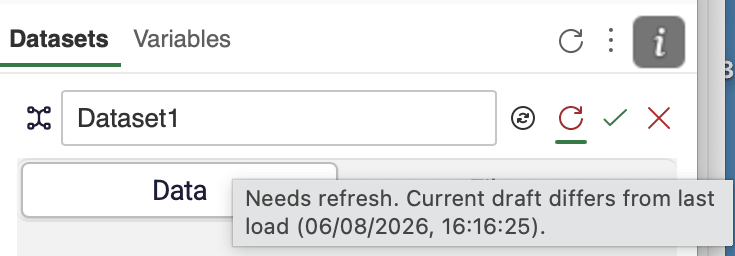
Section titled “Refreshing”Hit the refresh icon on a dataset to pull the latest data. If you’ve used one dataset a few different ways in the same workbook — different filters or parameters — a single refresh updates all of them.
The three refresh modes (Refresh manual / Refresh when no data exist / Refresh always) are defined once in Create and manage datasets.
When you’re offline
Section titled “When you’re offline”Your cached data is saved in the workbook, so:
-
Formulas keep showing the data from your most recent refresh — on a plane, in a boardroom, anywhere.
-
The moment you’re back online and signed in, fresh data flows again.
-
If a formula has no cached data to fall back on, it simply shows no data until you can refresh.
Tip: Setting a dataset to Refresh manual before sharing is a good way to send someone a fixed, read-only snapshot.