Working with Large Datasets (query timeout)
Introduction
Section titled “Introduction”Working with large datasets for reporting or data analysis requires sometimes long-running queries.
By default, Astrato uses a two-minute timeout for all queries to limit compute costs,
This limit isn’t reached 99% of the time, and there is no impact from a user’s perspective.
In some cases, the raw data needs to be analyzed more deeply, or reports are generated using complex queries; in those cases, users might need to extend the query timeout.
The article below explains how to control the query timeout limit for visualizations.
-
Introduction
-
Setting the query timeout
Setting the Query Timeout
Section titled “Setting the Query Timeout”To set a query timeout that is different from the default timeout.
Find the limiting section in the visualization properties panel in the data tab.
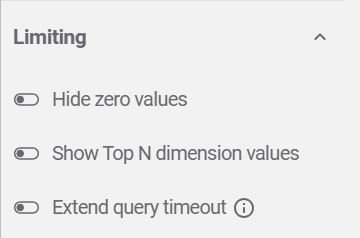
-
You can enable the Extend query timeout switch.
-
Set the new timeout (excepted values are between 120-600)
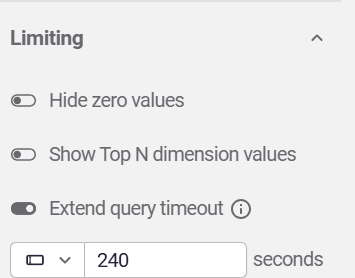
-
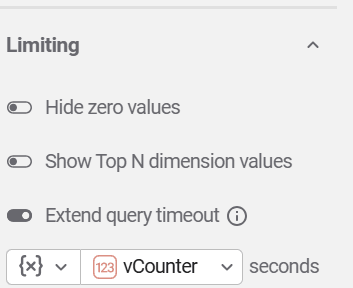
A variable can be used to set the query timeout.
This will be useful if there is a need to control the timeout value for multiple visualizations.