

Search
A search lets the reader type part of a value, such as a customer or a product, instead of scanning
a long list. Use the filter object’s own search to select values, or a list search to narrow a list
the page already holds.
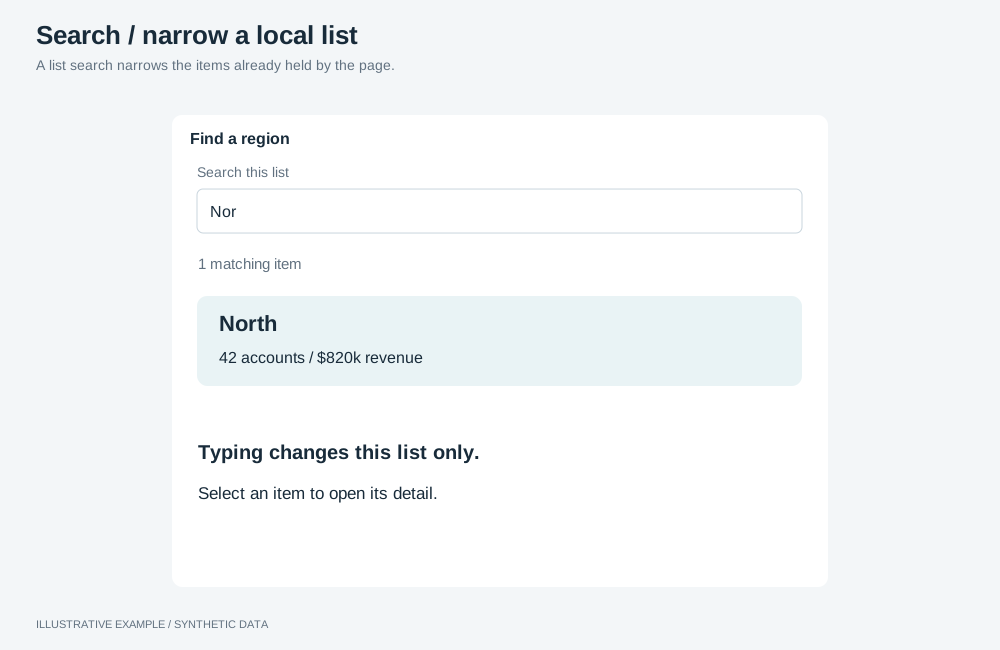
Illustrative example with synthetic data. A list search narrows the items already held by the page.
Choose a search
Section titled “Choose a search”- Should picking a value filter the page? Use the filter object’s search.
- Does the text only narrow a list the page draws, such as the master list in master–detail? Use a list search.
| Variant | Use cases | Choose another when |
|---|---|---|
| Filter object’s search | Pick products or customers; a customer list that narrows when a region is selected | The text should only narrow a list you draw |
| List search | Narrow a list of stores by name; find a ticket in a master list | The page should filter by the value |
Use the filter object’s search
Section titled “Use the filter object’s search”Mount a filter object with search on: presentation.searchable: true in its definition, or
setFilterSearchable. The object writes its
own selections and narrows its value list as other fields are selected; see
Filters and selections.
- Use
listboxmode (setFilterMode) in the filter panel or a card, where the list has room. - Turn responsive sizing and quick select off, and size the host, as in Configure the filter objects.
Search a list you draw
Section titled “Search a list you draw”Filter the rows you already hold. Nothing is selected and nothing is queried.
<label for="store-search">Find a store</label><input id="store-search" type="search" aria-controls="store-list" autocomplete="off" /><p id="store-count" class="visually-hidden" role="status"></p><ul id="store-list"> <!-- one item per store --></ul>// The app's one locale; see /app-theming/#numbers-pin-one-locale.declare const LOCALE: string;
const input = document.querySelector<HTMLInputElement>('#store-search');const list = document.querySelector<HTMLElement>('#store-list');const count = document.querySelector<HTMLElement>('#store-count');if (!input || !list || !count) throw new Error('Search markup not found.');
const items = [...list.children] as HTMLElement[];const keys = items.map((item) => (item.textContent ?? '').toLocaleLowerCase(LOCALE));
input.addEventListener('input', () => { const text = input.value.trim().toLocaleLowerCase(LOCALE); let shown = 0; for (const [i, item] of items.entries()) { const match = keys[i]?.includes(text) ?? false; item.hidden = !match; if (match) shown += 1; } count.textContent = shown === 0 ? `No stores match "${input.value.trim()}".` : `${shown} of ${items.length} stores`;});Show the no-match message visibly in place of the list as well, so sighted readers know the search ran.