

Manage Content Security Policy origins
As a workspace owner or administrator, open Administration → Content Security Policy to manage the origins whose content can load inside Astrato frames. These permissions are separate from the domains allowed to embed Astrato in another website, which belong to Embed Links.
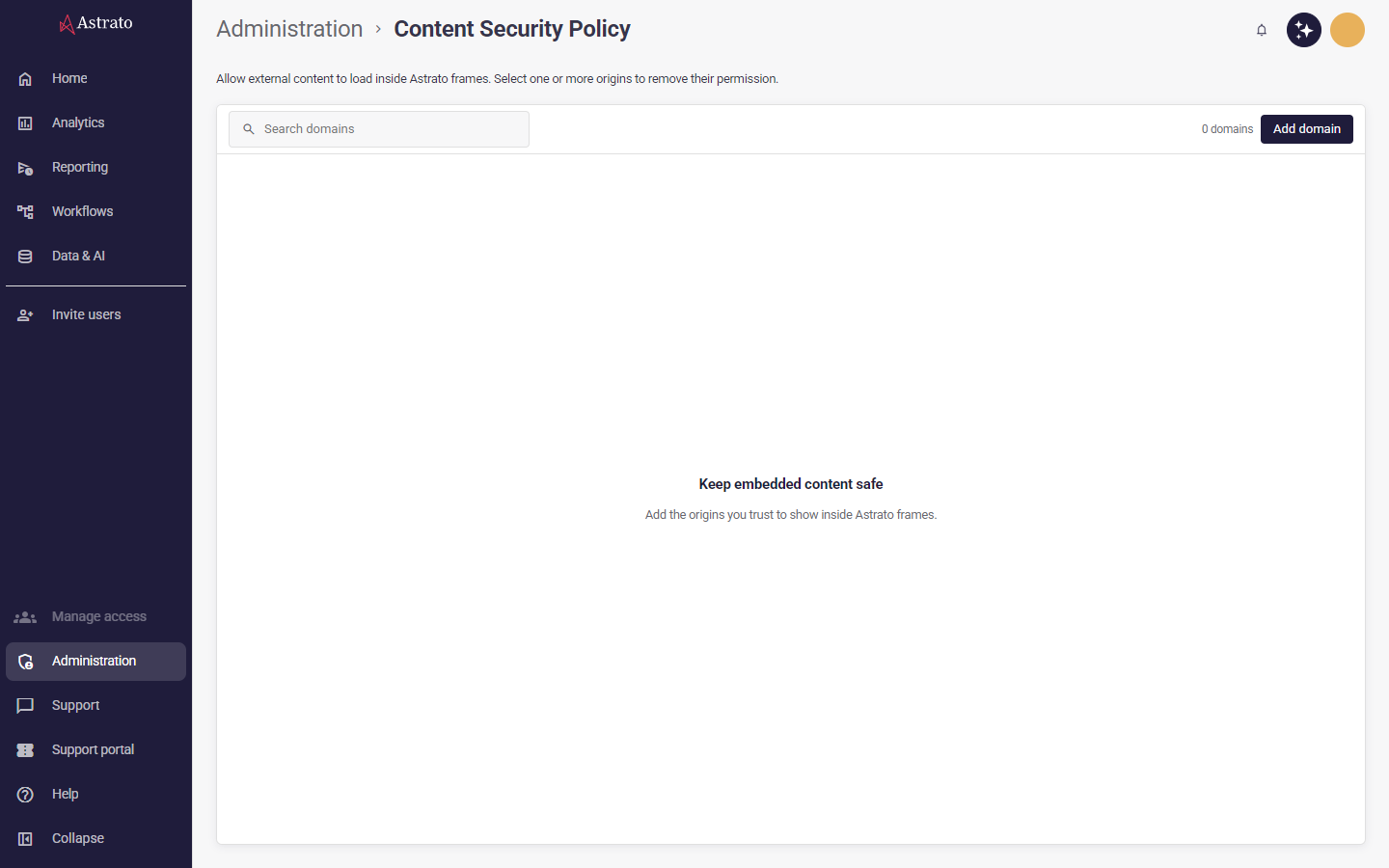
Add or edit an origin
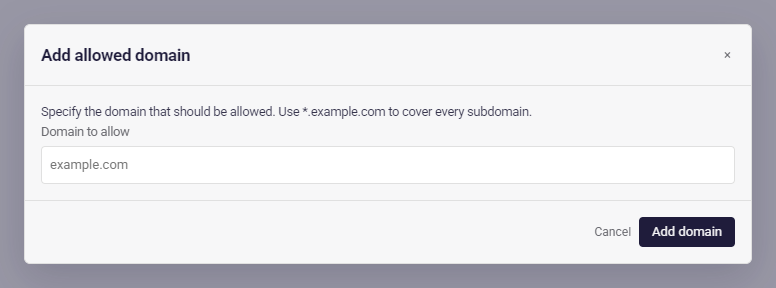
Section titled “Add or edit an origin”Select Add domain, enter a hostname such as example.com in the dialog, and select
Add domain again to save. Use *.example.com to allow
every subdomain, or include a port such as example.com:3000. A wildcard subdomain does not
include the root domain itself. The supported permission is Embedded content (frame-src).
For local development, the supported exceptions are localhost, http://localhost,
https://localhost and http://localhost:4848. Other entries must omit the scheme and path;
a bare * is not accepted. If you specify a port, use a decimal number from 0 to 65535.
Select Edit beside an origin to change its domain in the same dialog, then Save changes.
Each workspace maintains its own origins. If the domain is already listed in your workspace,
edit the existing origin rather than adding it again. Domain names are case-insensitive:
example.com and EXAMPLE.com refer to the same domain.
Cancel discards your draft. If saving fails, the dialog stays open with your draft so you can correct it and retry.
Find and remove origins
Section titled “Find and remove origins”The list shows every origin on one page. Search filters it. Select Remove beside one origin, or select rows (the header checkbox selects every shown row) and choose Remove selected. Review the origins named in the confirmation before removing them. Removal withdraws their permission to supply framed content; reload Astrato for the updated policy to take effect. Another matching rule may still allow the content.
After removal, the list refreshes. If the result cannot be confirmed, an error asks you to review
the refreshed list before trying again. If the list cannot load, select Retry to fetch it again without reloading the page.
Existing links using the csp-origins section name
continue to open this screen.