

Workbook Editor - change the Semantic Layer connected of a workbook
Introduction
Section titled “Introduction”Changing a workbook’s semantic layer is important when moving a workbook from a development environment to a production environment.
When changing the semantic layer of a workbook, checks are done to confirm that the visualizations in the workbook aren’t broken.
Change the semantic layer for a workbook
Section titled “Change the semantic layer for a workbook”-
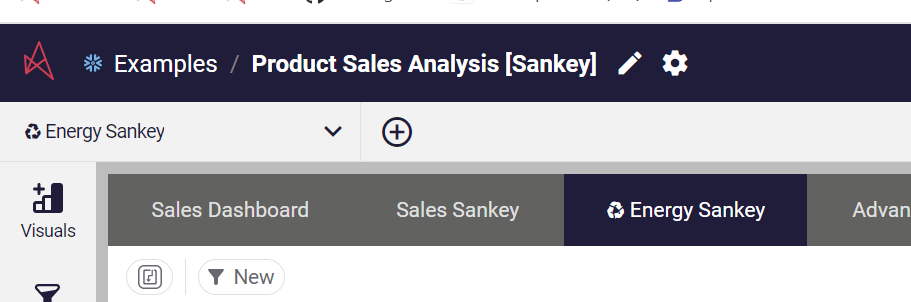
Click on the cog icon in the workbook header
-
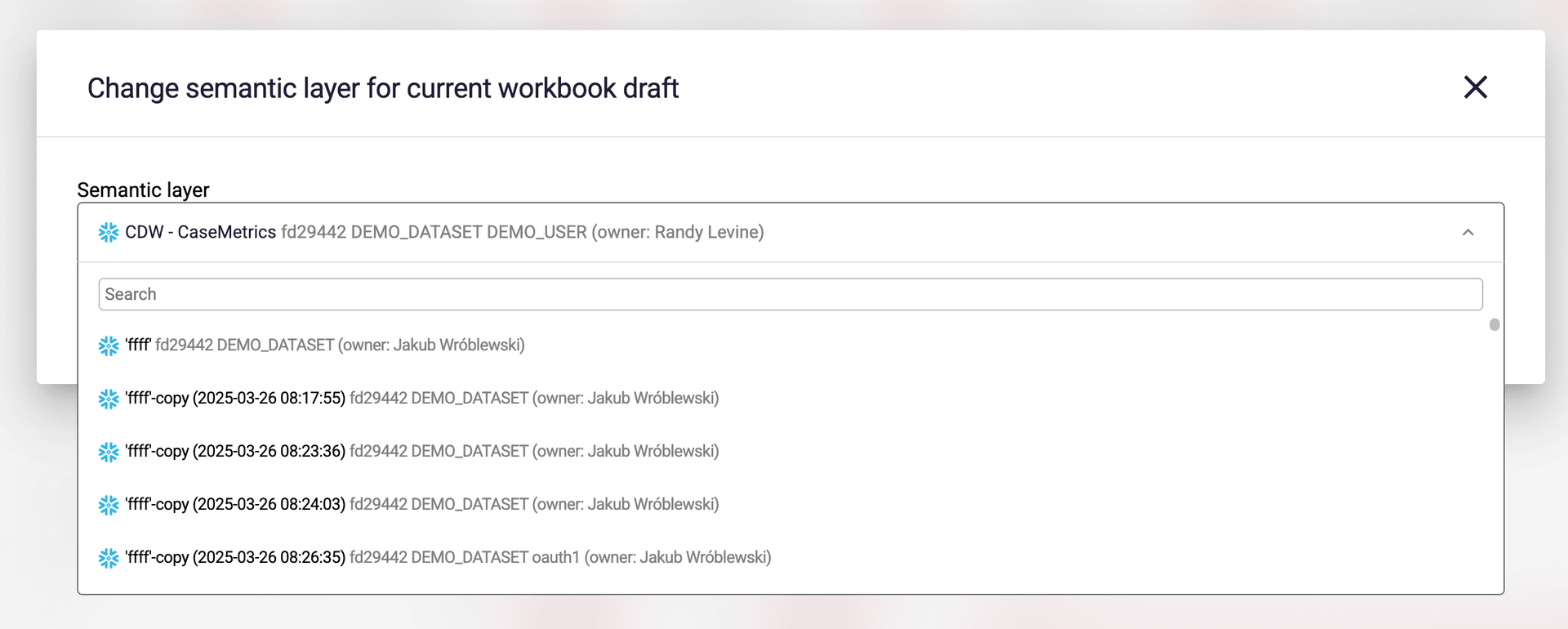
In the window, go to the semantic layers drop-down box and select the new semantic layer you want to use.
-
Click Save changes
The new screen will show the result of a comparison between the current semantic layer and the new semantic layer.
If any item or field is missing, it will be listed on the screen.
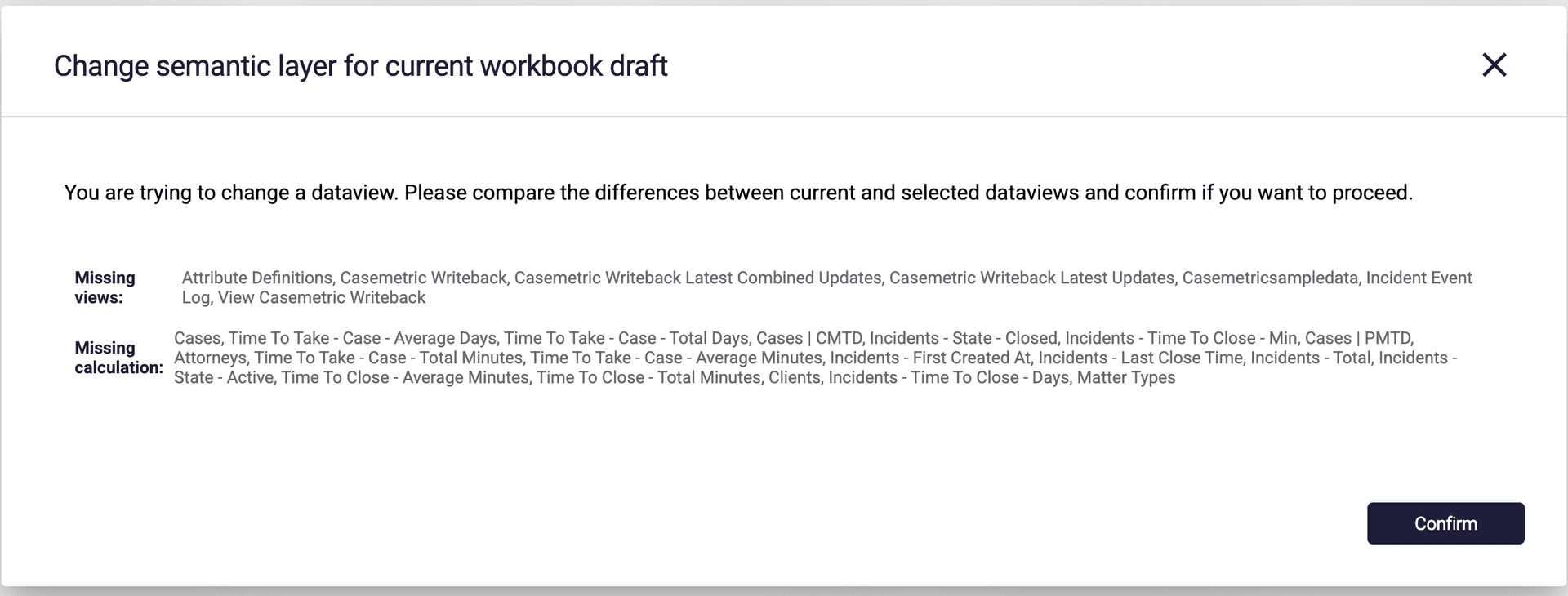
- Click Confirm to approve the semantic layer change, or click on the X in the top right corner to cancel