
Astrato AI Insights Describe object
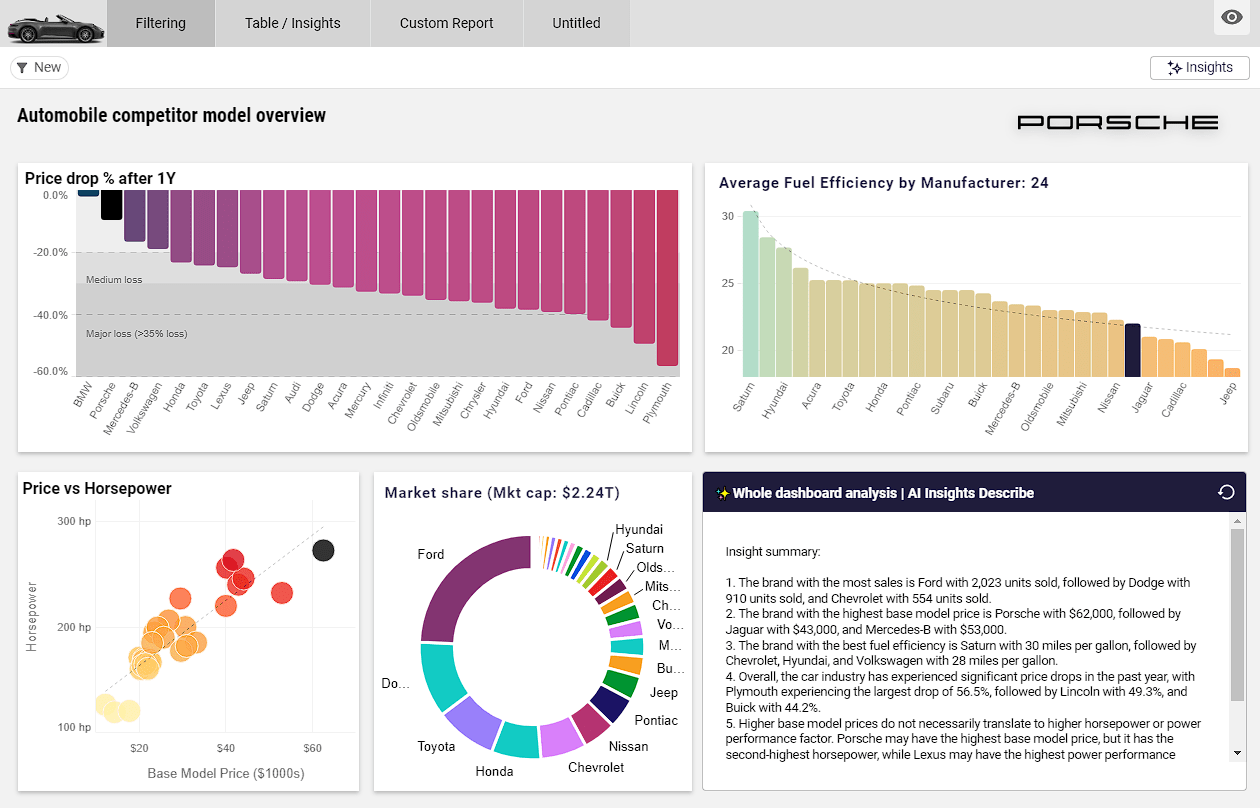
The Insights Describe object enables real-time analysis of your dashboards and data apps as you navigate through your data.
Select charts to analyse, or analyse the whole dashboard. No more eyeballing fro differences, let AI compare visualisations for you.
💡 Best used along with reports in Astrato
ℹ Your data is never used for training purposes
Configuring the object
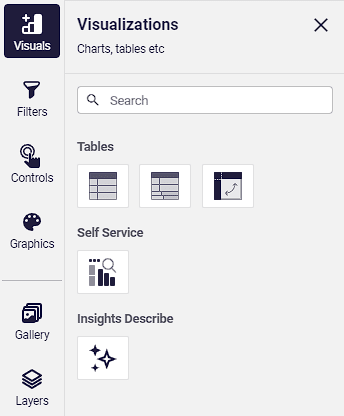
Section titled “Configuring the object”To get started, add the object to the sheet.
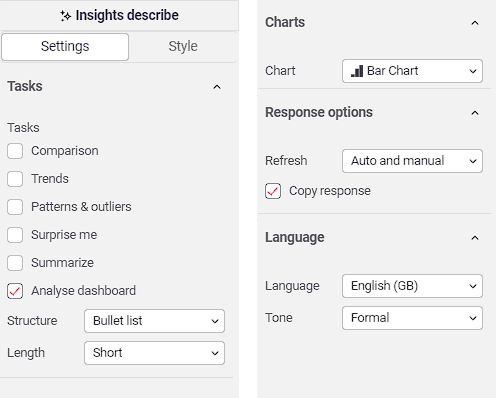
Choose your tasks and charts, then set you preferences, such as language and tone. We take care of the rest!