Filters History
Filter history allows users to switch between their defined filters.
This helps users go back to the last interesting view and take another path as they drill through the data for insights; it shortens and simplifies checking different scenarios.
Think of it as breadcrumbs that help you go back to the last place you knew where you are. | 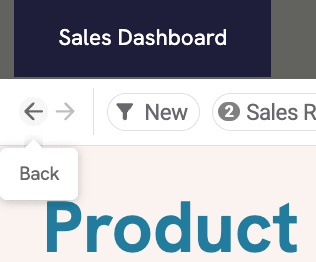 |
Why Filter History Matters
Section titled “Why Filter History Matters”In real business dashboards, users want to drill through data efficiently and follow their thought process. With this feature, they can go back only several steps and then drill through in another path
How It Works
Section titled “How It Works”-
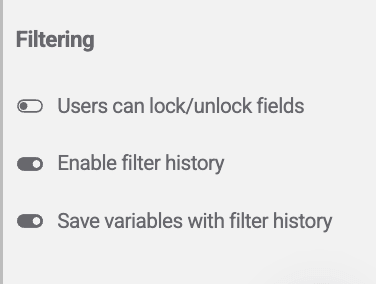
Filter History is enabled at the workbook level by a workbook editor.
-
When enabled, back and forward arrows appear on the left side of the filter bar.
-
Variable state can be saved or omitted from the filter history