Private Preview
Register a stored procedure workflow
Use a stored procedure workflow to call a procedure that already exists in the warehouse. The layer stores its name and parameters, and publishing checks the signature against the current catalog. Saving records the definition; nothing runs until a published workflow is run.
Before you begin
Section titled “Before you begin”- Business Workflows are enabled for your tenant.
- The data connection can list its procedures.
- You can edit the layer.
Pick the procedure
Section titled “Pick the procedure”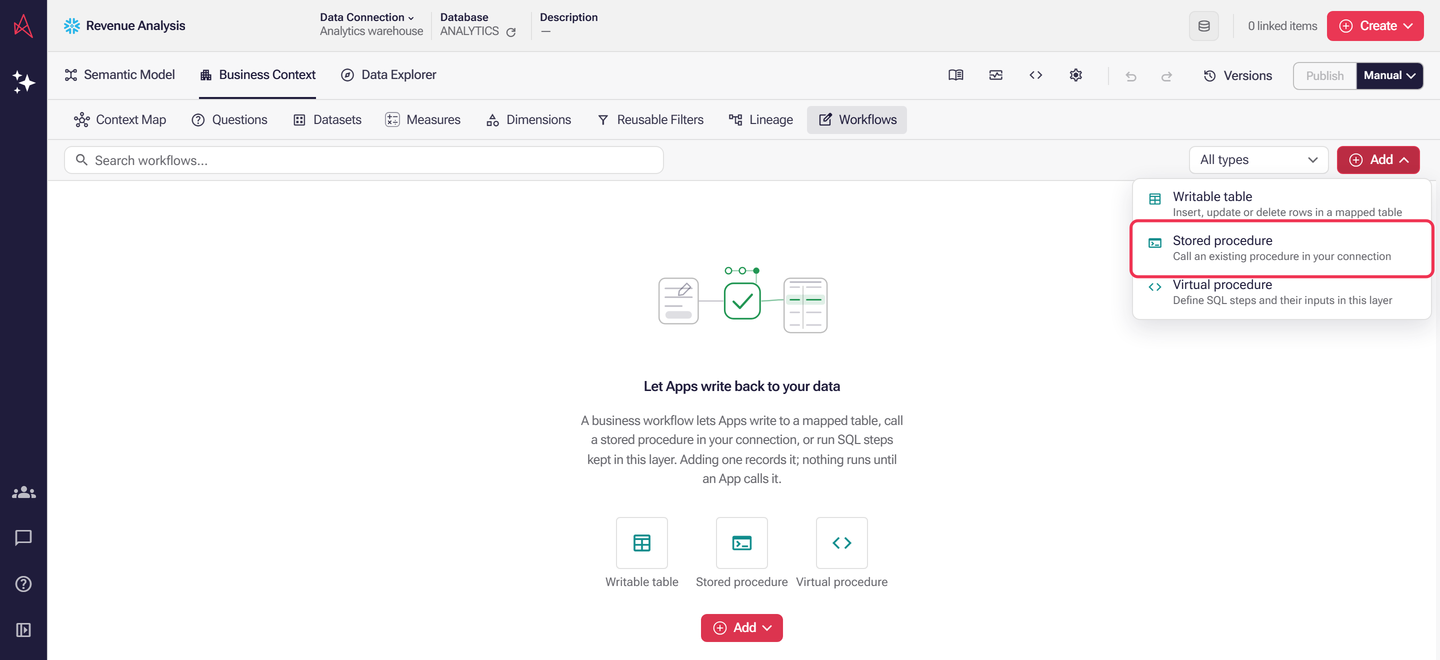
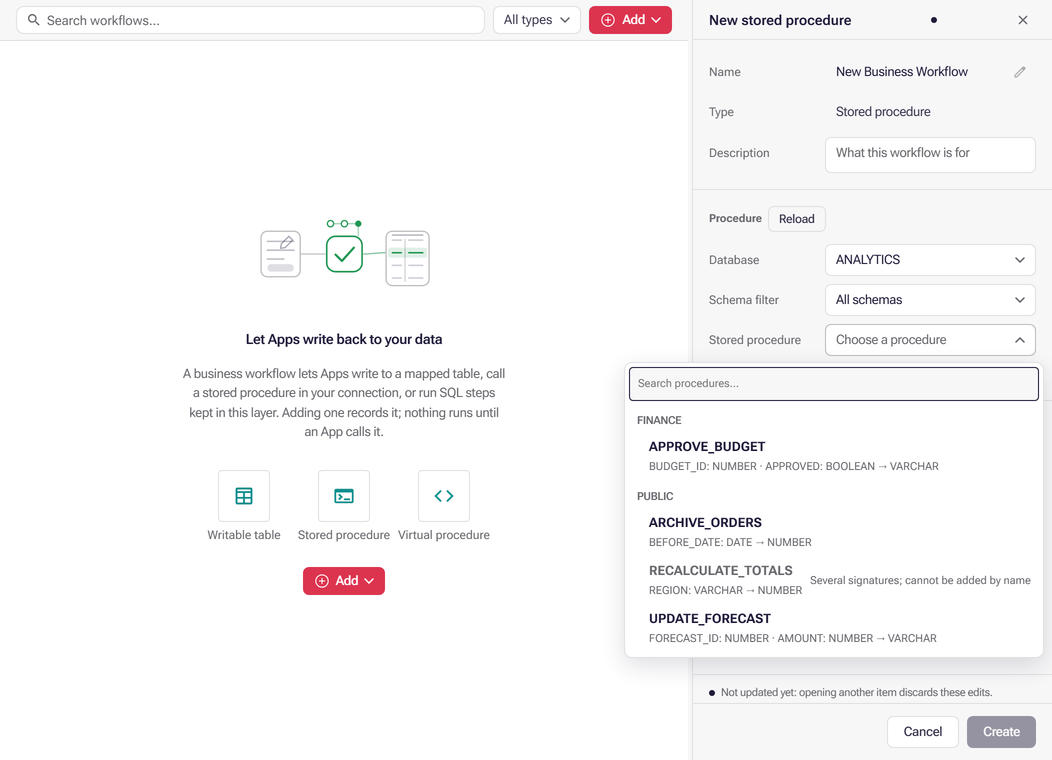
Select Add → Stored procedure, then open Stored procedure to pick one of the connection’s procedures. Search by procedure name, schema or parameter type; the list is grouped by schema and shows each procedure’s parameters and return type, and you can type while it loads. On Snowflake, BigQuery and Databricks connections that can browse other databases, choose the Database (BigQuery: Project, Databricks: Catalog) above the schema to list procedures from it instead of the connection’s own; the registration saves that database, and publishing checks the signature there. PostgreSQL and Redshift list only the connection’s own database, and the panel says so. For BigQuery, choose a dataset first; for other connections a schema narrows the list.
Review parameters
Section titled “Review parameters”Picking a different procedure sets its native target and arguments for the active connection’s dialect. Public parameters retain their order, defaults and metadata; definitions for other dialects remain unchanged. A procedure with several signatures under one name cannot be added by name. Reload refreshes catalog discovery; reselecting the same procedure preserves the authored definition. A changed warehouse signature needs an explicit review of that definition’s bindings. Enter a name and select Create.
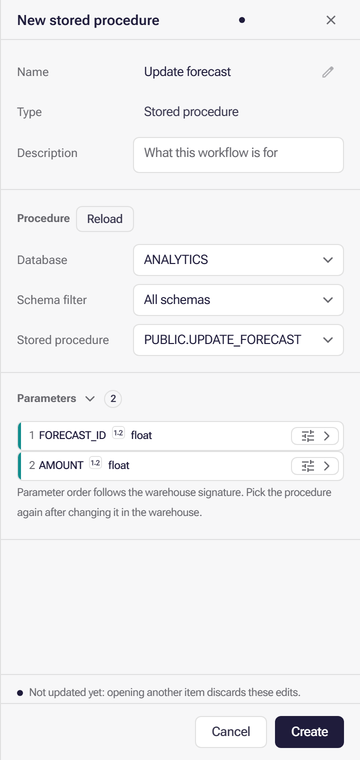
Registered parameters use the same collapsible settings rows. Their order is fixed to the warehouse signature, so they cannot be dragged into a different order.
Data types and transactions
Section titled “Data types and transactions”Every workflow’s parameters, returns and typed bindings use a data type the runtime knows: string, int, float, decimal, date, time, time_tz, timestamp, timestamp_tz, boolean, json or geography, plus string_list, int_list and float_list. A parameter may also be table. integer, number and bool are accepted as int, float and boolean. Issues reports any other type as an error, and publishing is blocked.
A stored procedure cannot require a transaction (transaction: true) except on PostgreSQL and Supabase. On other dialects the engine cannot establish a transaction around a native procedure, so Issues reports an error naming the dialect. Remove the transaction, or use a virtual procedure when the layer should own the transaction. The same checks apply when an AI agent authors the workflow through MCP.
Troubleshoot loading
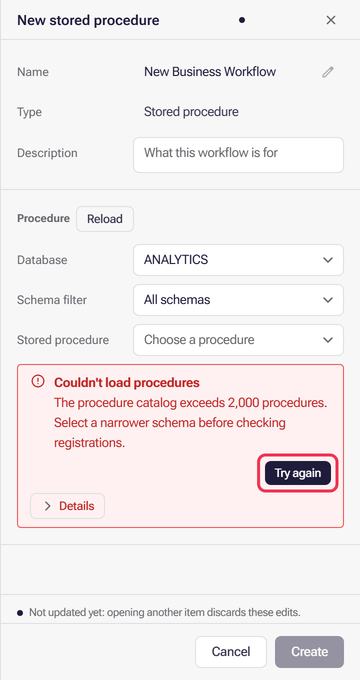
Section titled “Troubleshoot loading”If schemas or procedures cannot load, select Try again in the error notice. Expand Details for diagnostic information.