

Connecting to MotherDuck
Introduction
Section titled “Introduction”In this article, we show you how to connect your Astrato workspace to MotherDuck.
It’s designed to be a quick process and easy to follow.
Creating the data connection to MotherDuck
Connection data required
Section titled “Connection data required”When setting up your data connection, you’ll need to know:
You’ll need to obtain a personal access token to access your MotherDuck instance.
You can obtain the token at this address: https://app.motherduck.com/settings/token
Cloud NAT IP addresses
prod-astrato-io-prod-nat-ip-0 34.142.11.11 prod-astrato-io-prod-nat-ip-1 34.142.68.232Creating the data connection to MotherDuck
Section titled “Creating the data connection to MotherDuck”-
Select Data in the sidebar
-
Select Data to open the Create New Data Source screen
-
Click on the MotherDuck icon
-
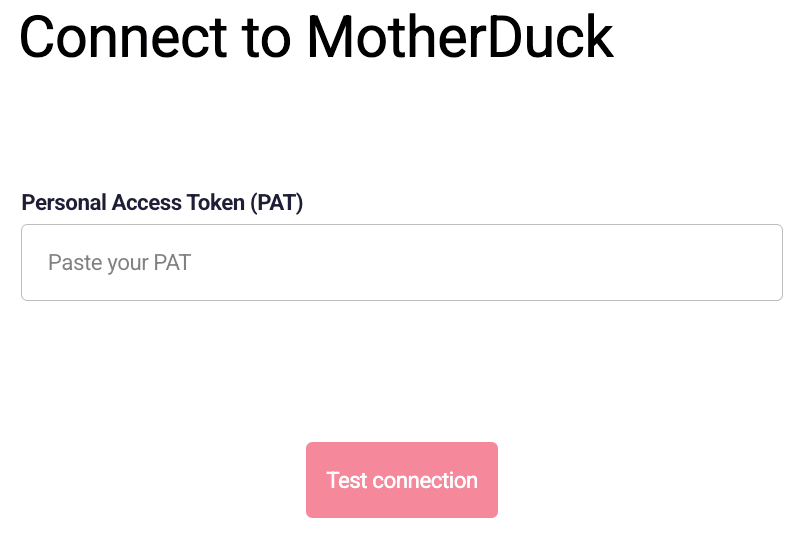
A dialogue box displays to connect to MotherDuck (Figure 1)
-
Paste your Personal Access Token.
-
Click Test Connection.
-
Once the authentication is completed, a new screen will be displayed
Select a database and name the data connection.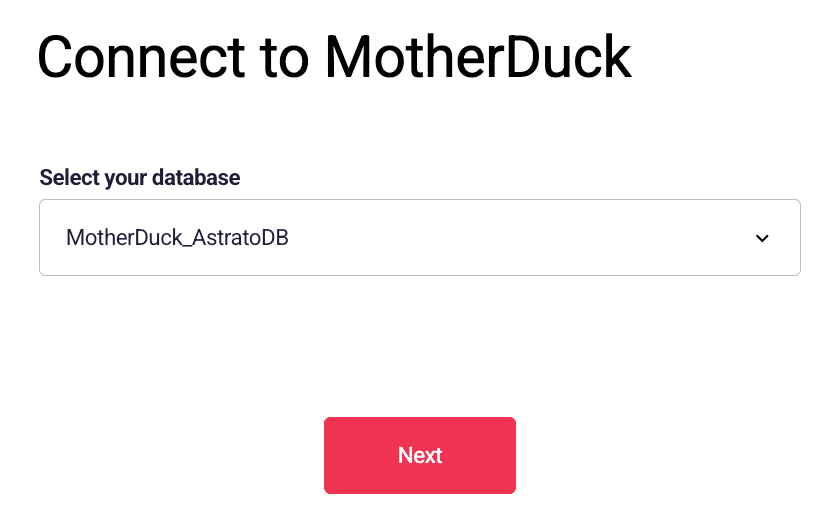
-
Click Next.
-
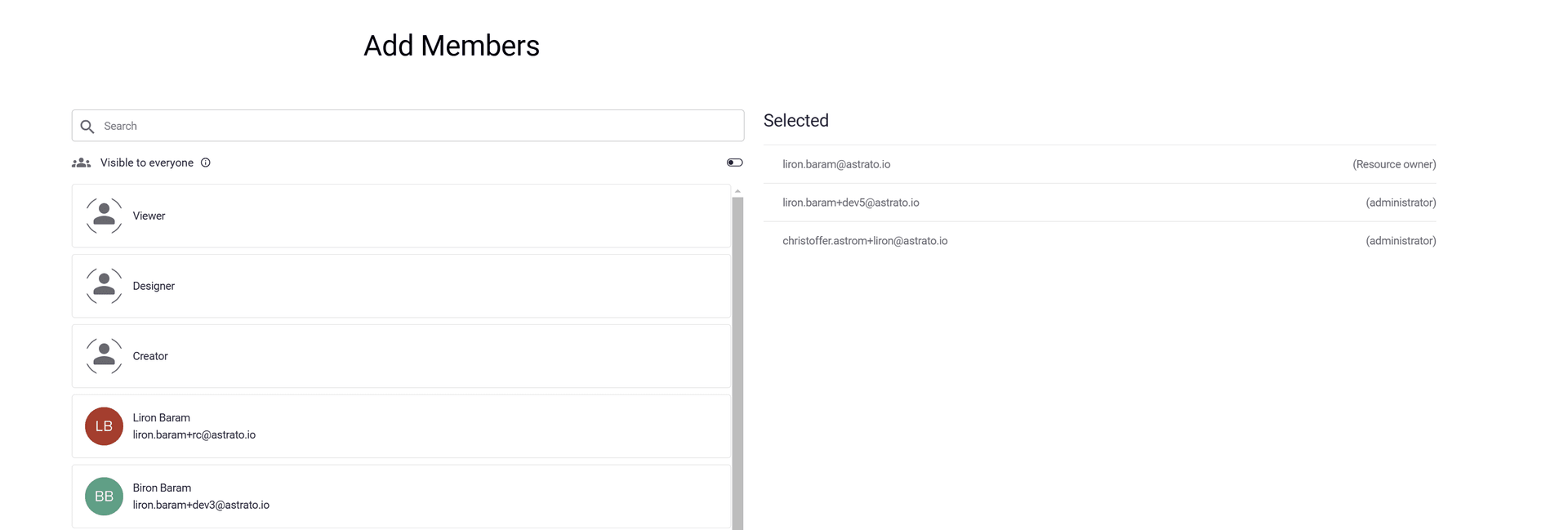
In the next screen, select who can use the data connection.
-
Click Connect.
-
If the connection is successful and the data source is created, the Semantic layer is opened
In the semantic layer, select the tables needed for the app.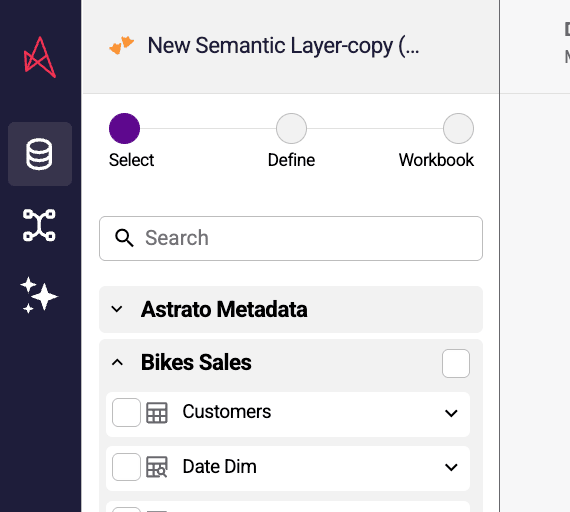
-
Later, you can create additional semantic layers that use the same data connection.