

Snowflake Supported Features
Introduction
Section titled “Introduction”This article contains information on Snowflake features supported in Astrato.
Getting Started | Connecting to Snowflake | Snowflake Queries | Snowflake Aggregated Functions
Getting Started
Section titled “Getting Started”Snowflake data sources can easily connect to Astrato (Figure 1).
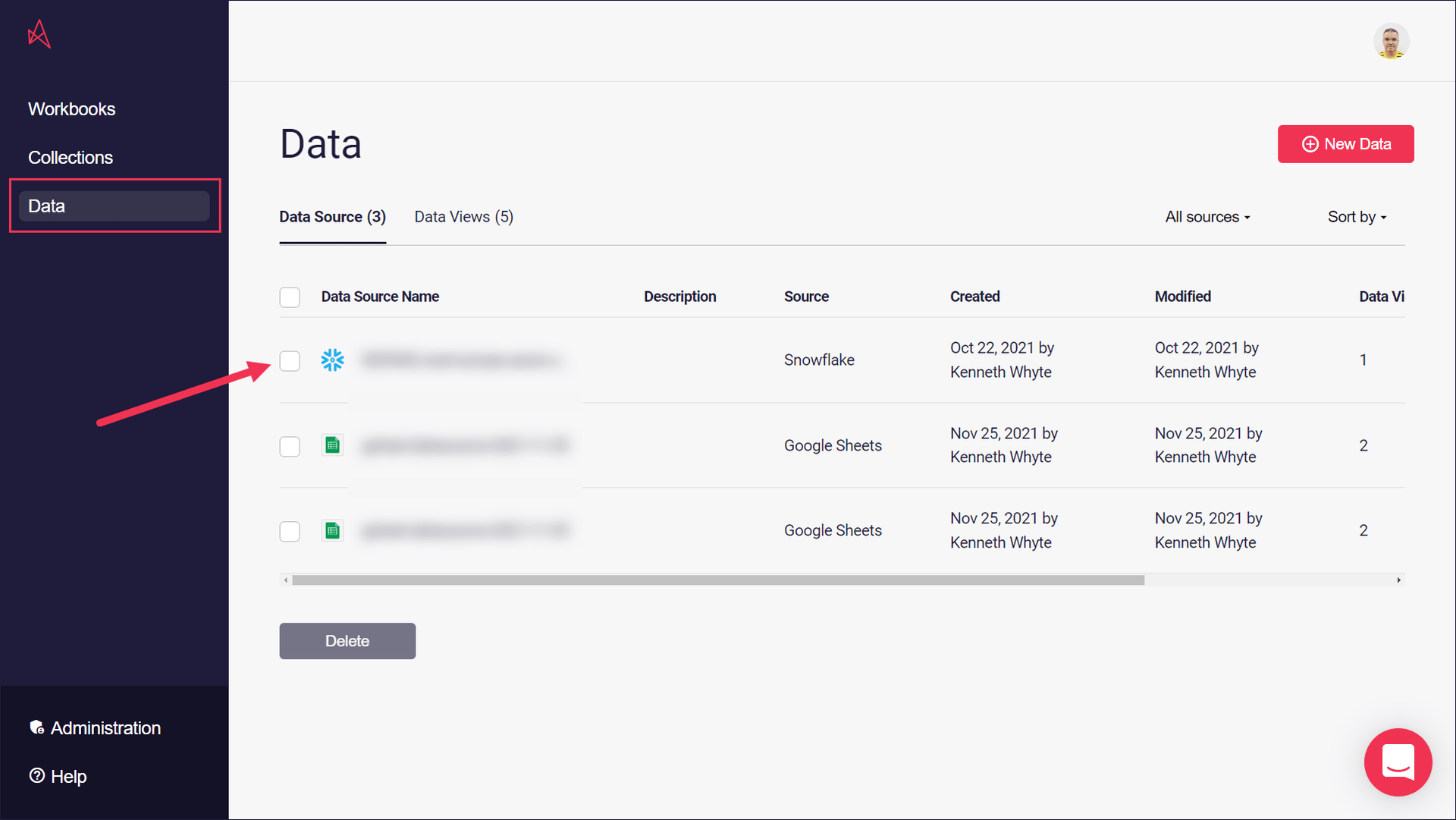
Figure 1: Snowflake Connection
If you’re new to Snowflake, you can find some useful hints on starting to work with it in the Snowflake user guide.
Back to Top
Connecting to Snowflake
Section titled “Connecting to Snowflake”Snowflake data sources require certain connection details to be used with Astrato (Figure 2).
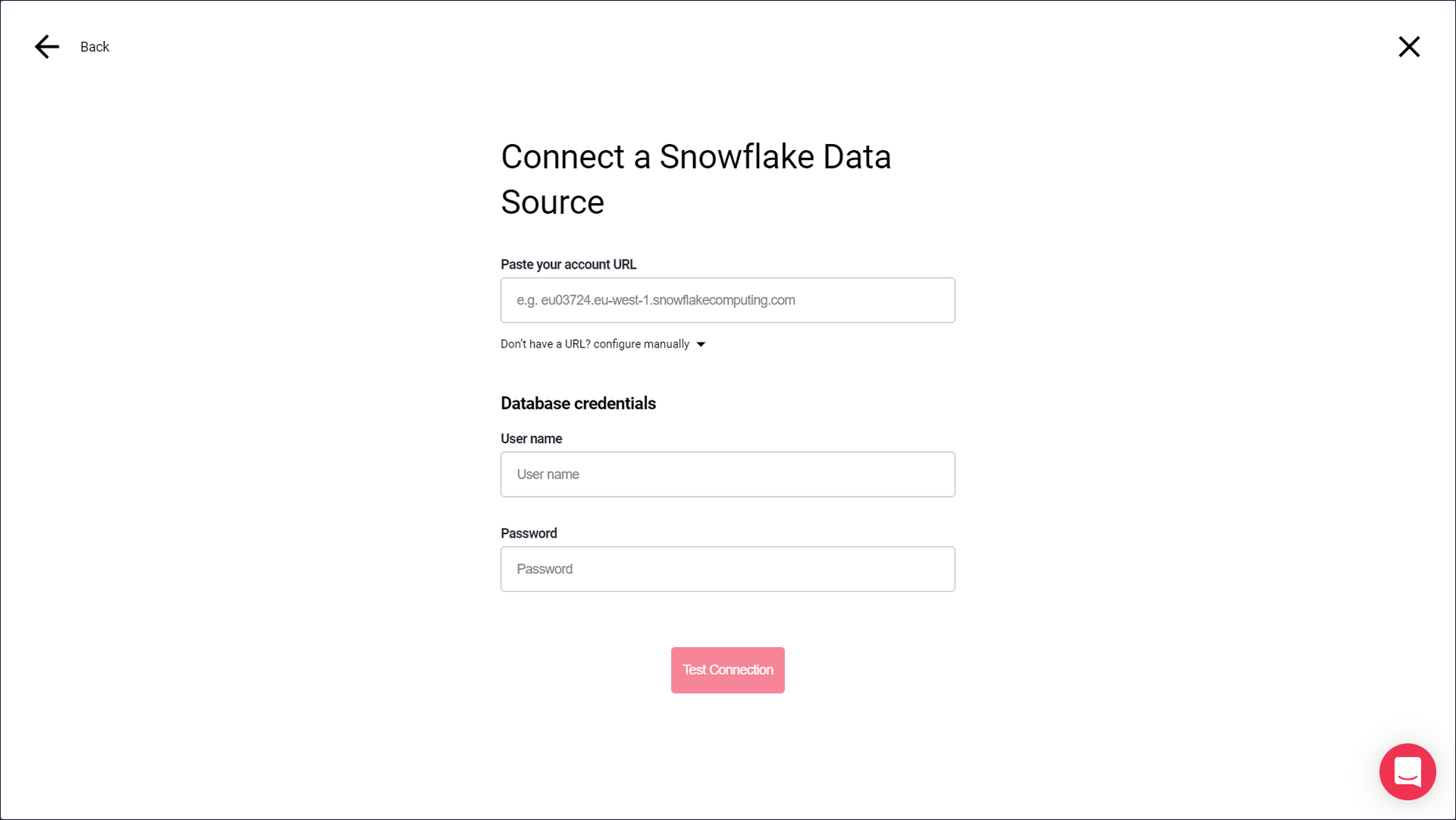
Figure 2: Snowflake Connection
You can find a full list of these details in our article on Connecting to Snowflake.
Back to Top
Snowflake Queries
Section titled “Snowflake Queries”Astrato will return a Snowflake query ID for each executed SQL statement, and we’re working on a UI view for displaying information on query details like credits used, compile time and execution time.
The Snowflake Function Reference contains more information and examples on using query IDs.
As part of Snowflake queries you can leverage
-
Stored procedures
-
Time travel
-
Snowpark UDFs (Python, Java, Scala)
-
Snowpark External access (access data external to Snowflake: see blog here)
Back to Top
Snowflake Aggregated Functions
Section titled “Snowflake Aggregated Functions”Aggregated functions are a standard database feature in a database, and Astrato supports all the aggregated functions available for Snowflake.
e.g. SUM returns the sum of non-NULL records.
You can find more details in our reference on Snowflake Functions in Astrato. Snowflake also has an aggregate functions reference which contains information and examples.
Back to Top